Your cart
There are no more items in your cart
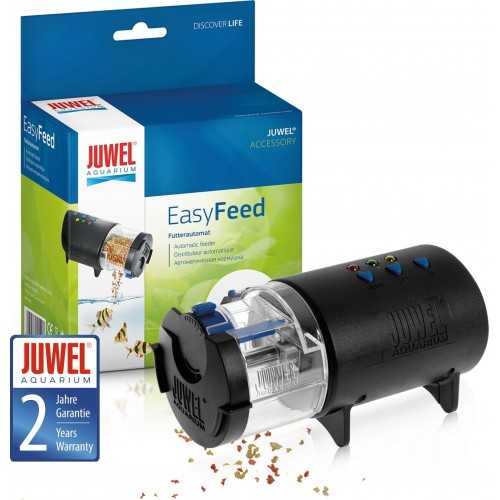
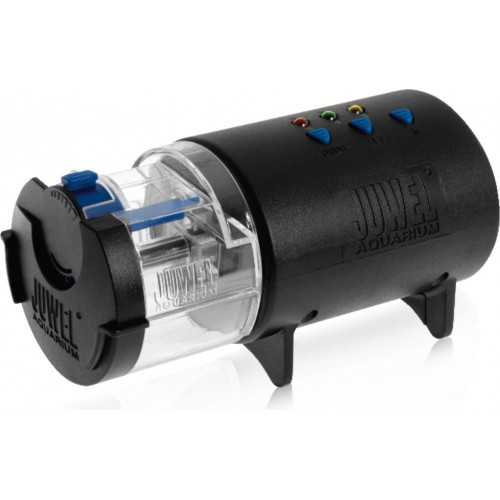
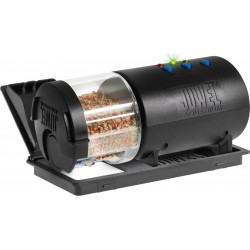

Easyfeed, automatic manger - Juwel
Available in stock
€29.25
VAT included
Easyfeed
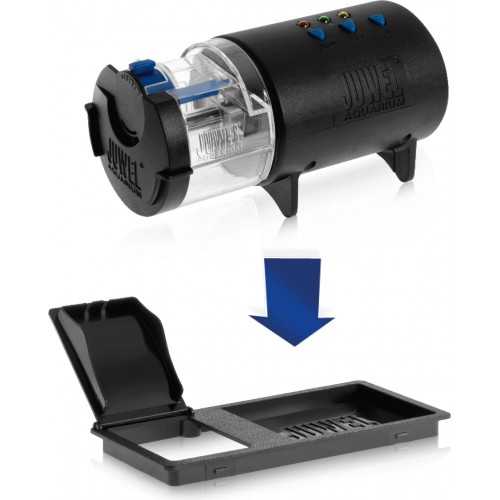
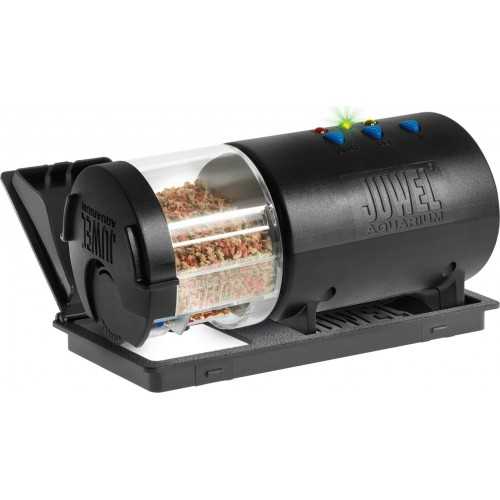
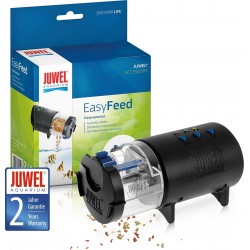
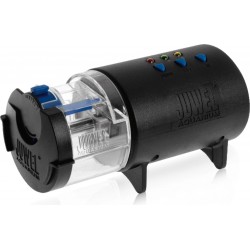
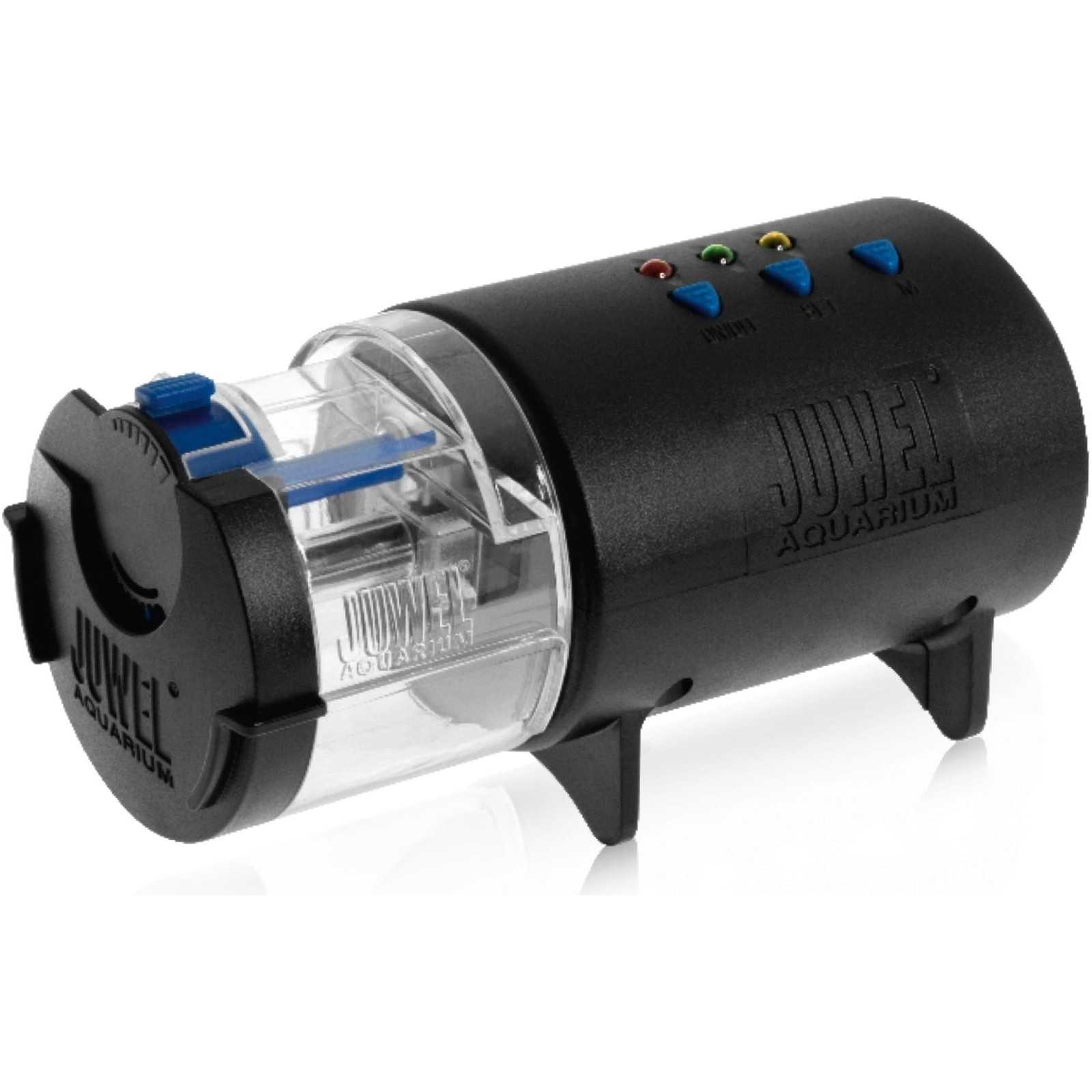
The JUWEL feed vending machine can be used for all types of aquariums. Generally it is necessary to cut only an opening in the aquarium cover, where you can insert the support tray of the feed vending machine.
You might also like

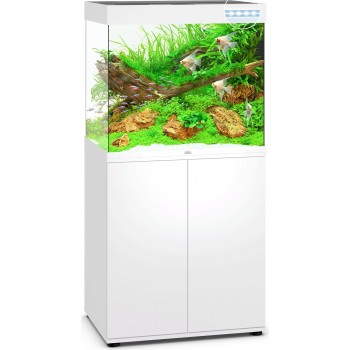
Aquarium Rio 180 LED - Juwel
€291.70
The JUWEL feed vending machine can be used for all types of aquariums. Generally it is necessary to cut only an opening in the aquarium cover, where you can insert the support tray of the feed vending machine.
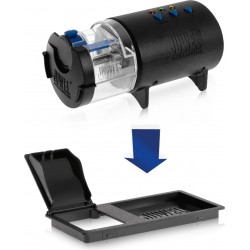
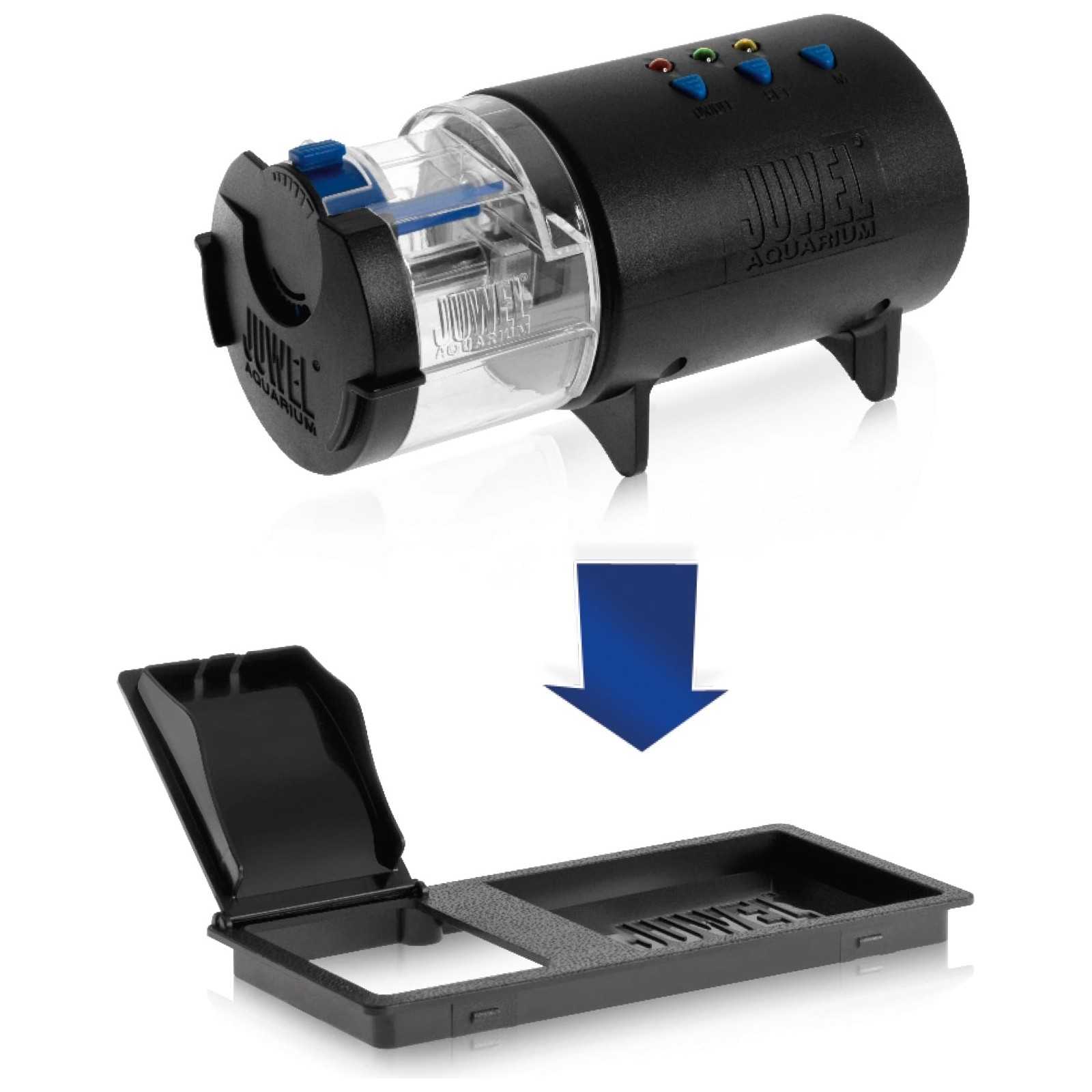
The support tray is built so as to contain a small removable cover that closes the feed opening when the distributor is not used. In this way it does not enter the light from the cover. In some Juwel aquariums this opening is already pre-printed and closed with a lid.
1. First remove the cover that closes the opening (if present) for the JUWEL feed vending machine or to open the cover.
2. Insert the supplied support tray into the opening.
3. Remove the opening plate of the opening and keep it safe.
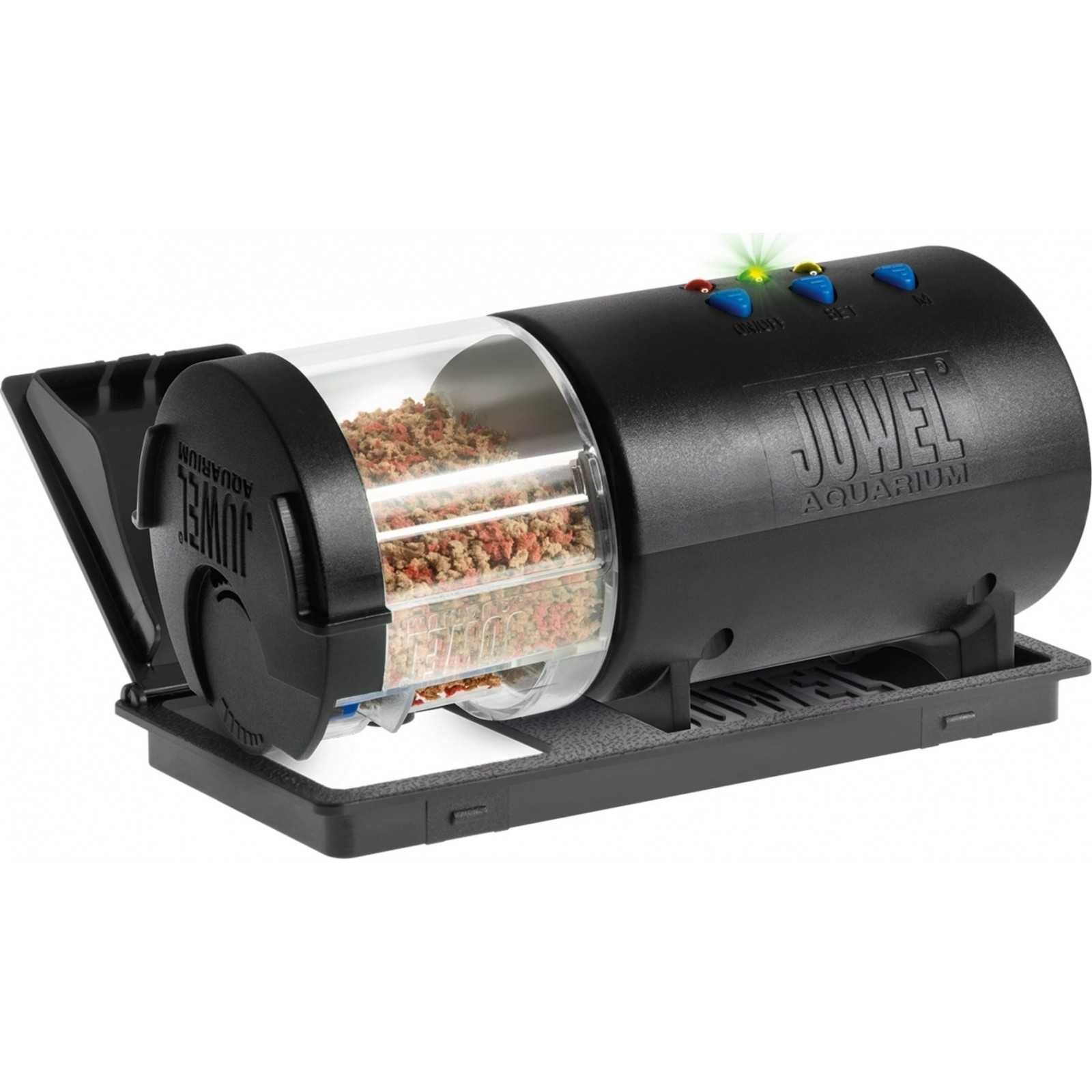
4. Place the feed vending machine well in the tray through the opening.
WARNING: Set of covers for JUWEL feed vending machine.
If your aquarium coverage is not having adequate support for the vending machine, we recommend that you contact your specialist dealer.
The adequate set of feed vending machine is available as an original JUWEL spare parts.
Programming:
The JUWEL feed vending machine allows you to eat up to 2 times a day. Therefore the programming is configured so that the second power always takes place 6 hours after the first power supply.
This is to be considered when the distributor is put into operation, to make sure the power does not take place during the night.
For commissioning you must first insert into the battery compartment and the AA mini-type batteries supplied.
Press the "ON / OFF" button. Operation is indicated by the red flashing LED.
By turning the vending machine also activates the first program and at the same time the first distribution of feed. This is indicated by the green LED which first flashes and a moment later remains lit. From this moment on, the power at the set time will take place, in the following days.
If you want to set a second power interval you must press the "Set" button.
The yellow LED flashes and then stays on. From this you can understand that the JUWEL feed vending machine has been set for two power supplies. From this moment on, in the next successive ones, the first power supply will take place at the time set, while the second will always take place after 6 hours after the first power.
(Example: activation at 9:00 am, first power at 9:00 am and second power at 15:00.)
If you want to return to the previous setting with a single power supply, press the "Set" button again or turn the vending machine off and on again.
Control panel:
ON / OFF: Switching on and off of the vending machine
Set: selection of the power supply and start of the program
Green LED: 1 power supply within 24 hours; The power takes place at the time set after the first activation of the program, after which it will take place at regular intervals every 24 hours, every day.
Yellow LED: 2 power supplies within 24 hours; The first power supply takes place at the same time as the program activation, the second power will take place 6 hours later. This cycle is repeated every 24 hours.
Select the program so that the JUWEL vending machine distributes the feed while the lamps are turned on.
M: manual feed supply; To make a further power supply or to check the operation press the "M" key.
Batteries: If you replace or remove the batteries, the JUWEL vending machine is pressed again.
If no LEDs are turned on, you must check if the batteries are positioned correctly, otherwise it is necessary to replace them.
Commissioning:
Pull the container C towards theesterno.angime. To ensure a uniform distribution of the feed you should not press it.
Close the container with the lid A and reappline it to feel the shot.
As described in "Assembly", apply the feed vending machine in the tray through the opening. To avoid any condensation water formation you can connect the JUWEL vending machine to a fan.
How to adjust the amount of feed: using the regulator B the amount of feed you want to distribute is adjusted.
The JUWEL feed vending machine requires little maintenance and attention. The feed container is regularly cleaned and the surrounding environment will avoid the formation of aspergilli.
When replacing the batteries it is necessary to check and possibly clean the contacts from the possible acid leaked from the batteries.
JW89000


Customers who bought this product also bought:
Last items in stock


AVAILABLE
Fertilizers
Apt Estimative Index - Fertilizer 2HR Aquarist
Available in stock





- On sale!
Available in stock
CO2 systems, accessories and spare parts
AQPET AQ-CO2 Indicator Permanent test for monitoring the CO2 level in freshwater aquariums


Available in stock
Suction cups, valves and fittings
Set 2 suction cups with clips for heaters - Newa

Tap to zoom